Purchasing
Suppliers and restocking. What is on order, what arrived, what is still missing.

Order PO-1042
Aciers Fournier-Bilodeau
- Lines
- 3
- Received
- 1
- Delivery
- Nov 18
- Galvanized steel sheetReceived40 / 40
- Aluminum profilePartial80 / 120
- Self-drilling screwsWaiting0 / 5,000
A purchasing tool that ties together your suppliers, your orders and your receipts. You know what was ordered, from whom, what arrived and what is still missing. It draws on your inventory to tell you what to reorder.
Orders scattered across inboxes
In many small businesses, a purchase order goes out by email, the confirmation lands in someone else's inbox, and receiving gets noted on the paper packing slip. To find out whether an order arrived complete, someone has to dig. Gaps between what was ordered and what was delivered often go unnoticed.
- The same item gets ordered twice
- A short delivery is caught too late
- Supplier prices are buried in an old email
- Nobody knows which orders are still outstanding
With Studio Plavon
- Your suppliers and what each one supplies
- Orders placed, and where they stand
- Receiving, line by line
- What to reorder, and from whom

What the tool does
Suppliers and restocking. What is on order, what arrived, what is still missing.
One record per supplier
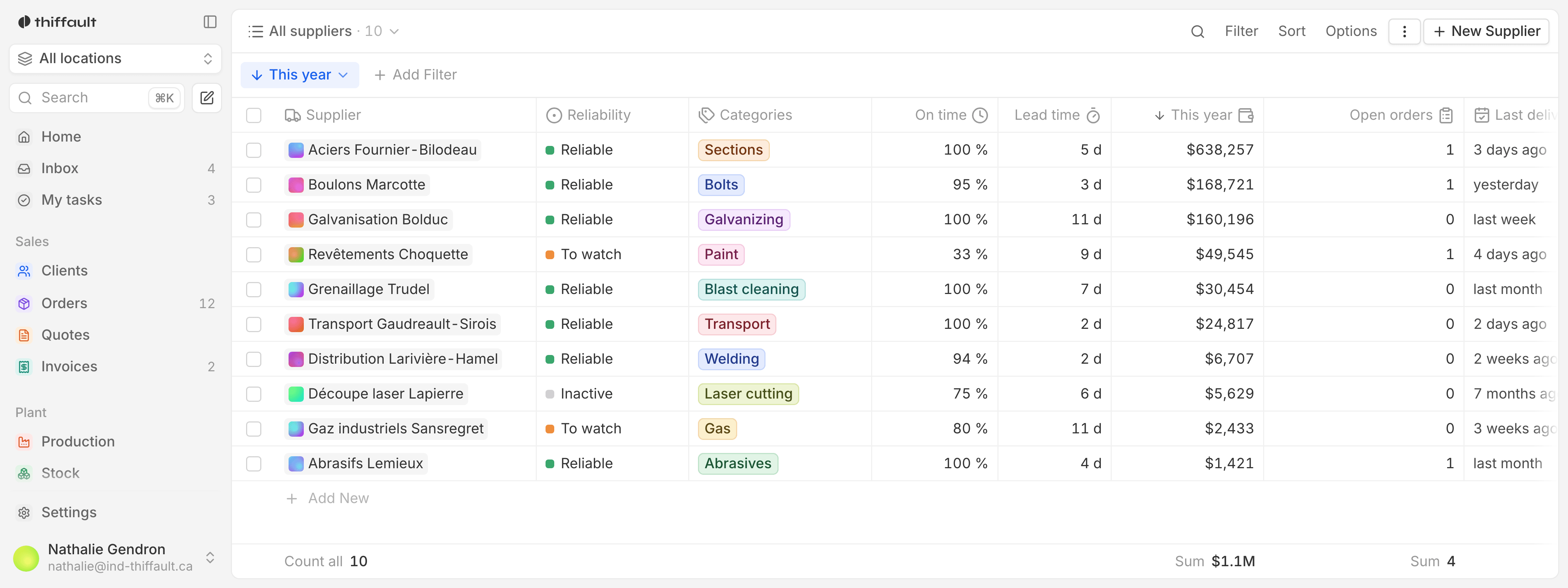
Each supplier has a record: contact details, the items they supply you, what you spend with them and the date of the last delivery. It is all in one place, not in one person's inbox.
Orders and their status
Every supplier order has a status: sent, partly received or fully received. You see at a glance what is still on its way.
Receiving, line by line
When goods arrive, each line is confirmed with the quantity actually received. Stock is updated at the same moment.
Delivery discrepancies
When the quantity received does not match the quantity ordered, the gap stays visible on the order. You know exactly what to claim from the supplier.
What to reorder, from whom
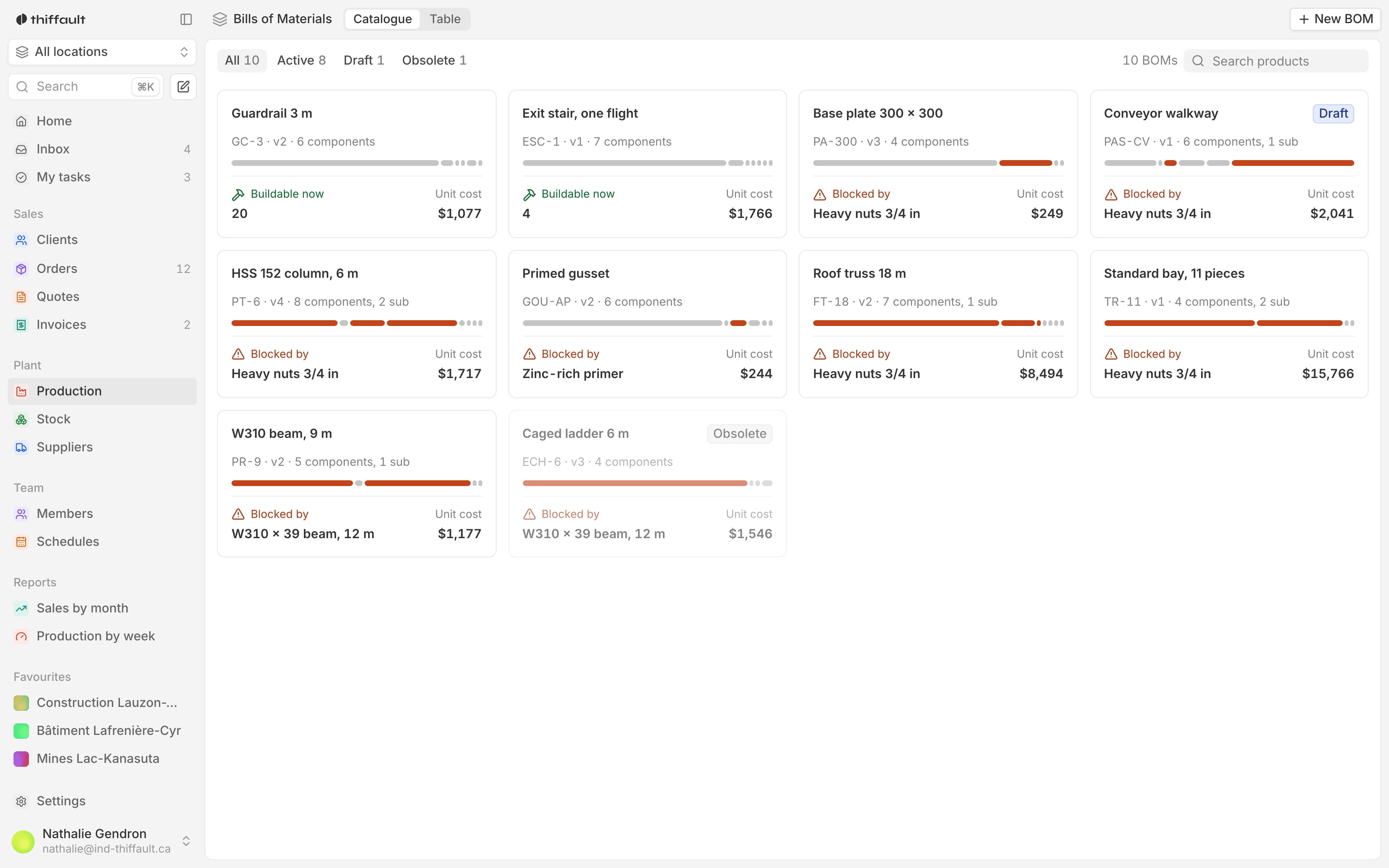
Items below their reorder point are grouped by supplier. You put the next order together without working it out by hand.
Purchase history
For each item, you can see past orders, quantities, prices paid and suppliers. Handy for comparing before you order again.
Who uses it, day to day
The buyer
A list of what needs reordering, grouped by supplier. Every open order and its status, without searching through email.
The stockroom
The order to receive is on the tablet. Each line gets confirmed, and stock follows.
Management
What you buy, from whom, and what is still outstanding. A clear view of your suppliers that does not depend on one person.
Included on every project
- A fixed price, paid once
- The source code is yours
- French from the first version
- Training for your teams
Frequently asked questions
Can the tool send the purchase order to the supplier?
Yes, if that is what you want. The tool can produce the purchase order and email it, or leave the sending to you as you do today. We decide together at the mockup stage.
Our suppliers and their prices are in a spreadsheet. Do we keep them?
Yes. During the build we bring over your supplier list, the items each one supplies and your prices. Nothing has to be retyped.
Are purchasing and inventory in the same tool?
Yes, it is the same software. Receiving updates stock, and an item below its reorder point shows up in what to reorder. If purchasing is your priority, we can start there.