Pipeline
From quote to delivery. Every order, its stage, its amount, its owner.
Orders in progress
All stages
- Orders
- 22
- Value
- $315,000
- This month
- +6
- Quote4$42,000
- Confirmed6$88,000
- In production3$64,000
- Delivered9$121,000
A pipeline that follows every order from quote to delivery. You see what stage it is at, the amount at stake and who is handling it. It is built on your client records: status, revenue and last contact.
Sales tracked over the phone
In many small businesses, open quotes sit in each salesperson's inbox, and order status gets sorted out over the phone. To find out what is coming, you have to go around the team. When a salesperson is on vacation, their files wait for them.
- A quote gets no follow-up and the client walks
- Nobody knows which orders are on hold
- The amount at stake is added up by hand
- Nobody knows where the orders that close come from
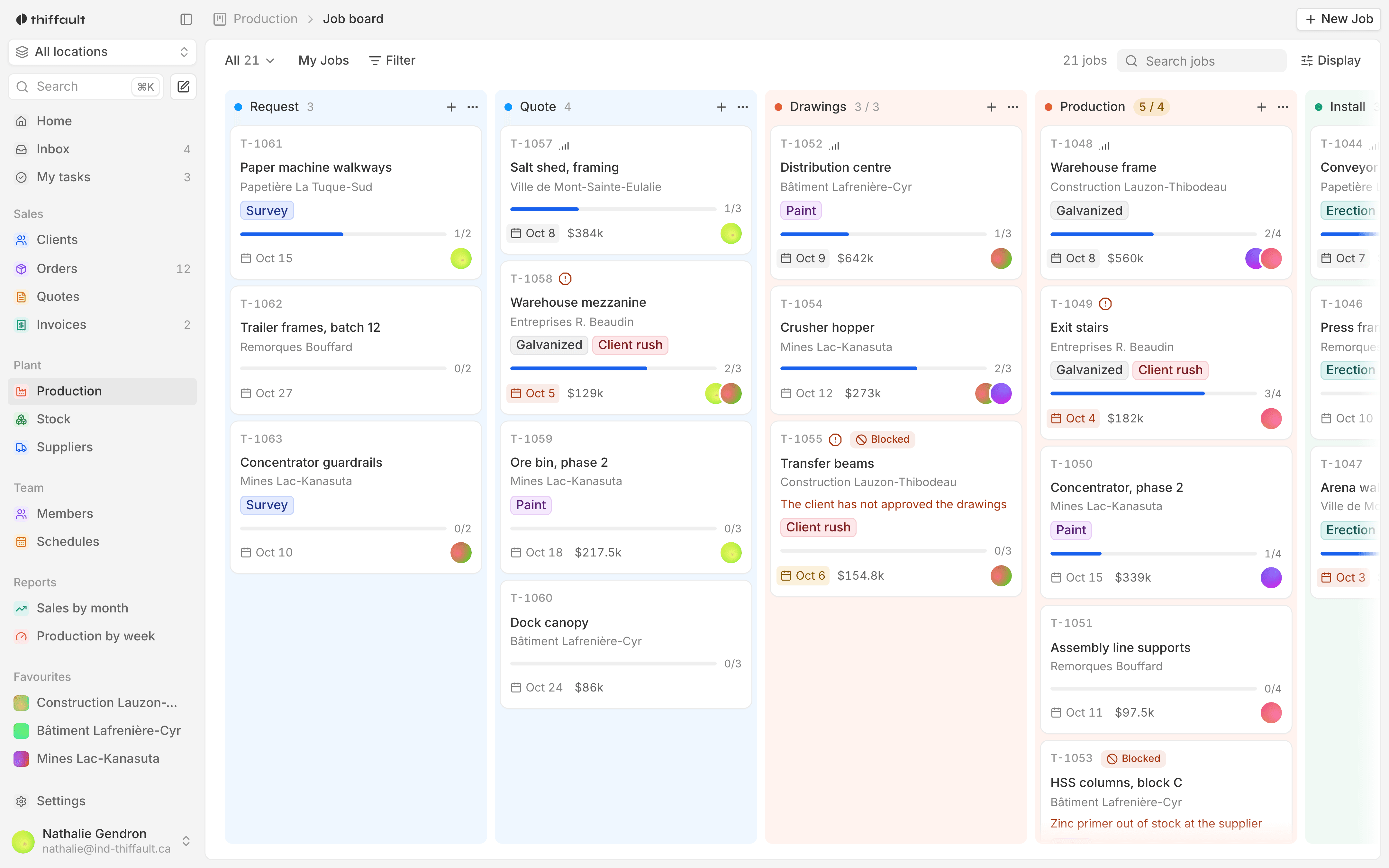
What the tool does
- 01
Every order, its stage
Each order moves from one stage to the next: quote, on hold, in progress, delivered or cancelled. You see where it stands without calling anyone.
- 02
The amount at each stage
The pipeline totals the amount at stake at every stage. You know how much is waiting on a client's answer and how much is on its way to delivery.
- 03
One owner per order
Every order has a named owner. When someone is away, their files stay visible and a colleague can pick them up.
- 04
Client records
Each client has a record: status, revenue, last contact and past orders. You can spot the clients nobody has called in a while.
- 05
An activity log
Calls, emails and meetings are logged on each client's record. Whoever takes over a file knows what was said and what was promised.
- 06
Where your orders come from
The pipeline follows each order from the segment it came from to how it ended. You see which kinds of clients lead to delivered orders, and which end up cancelled.

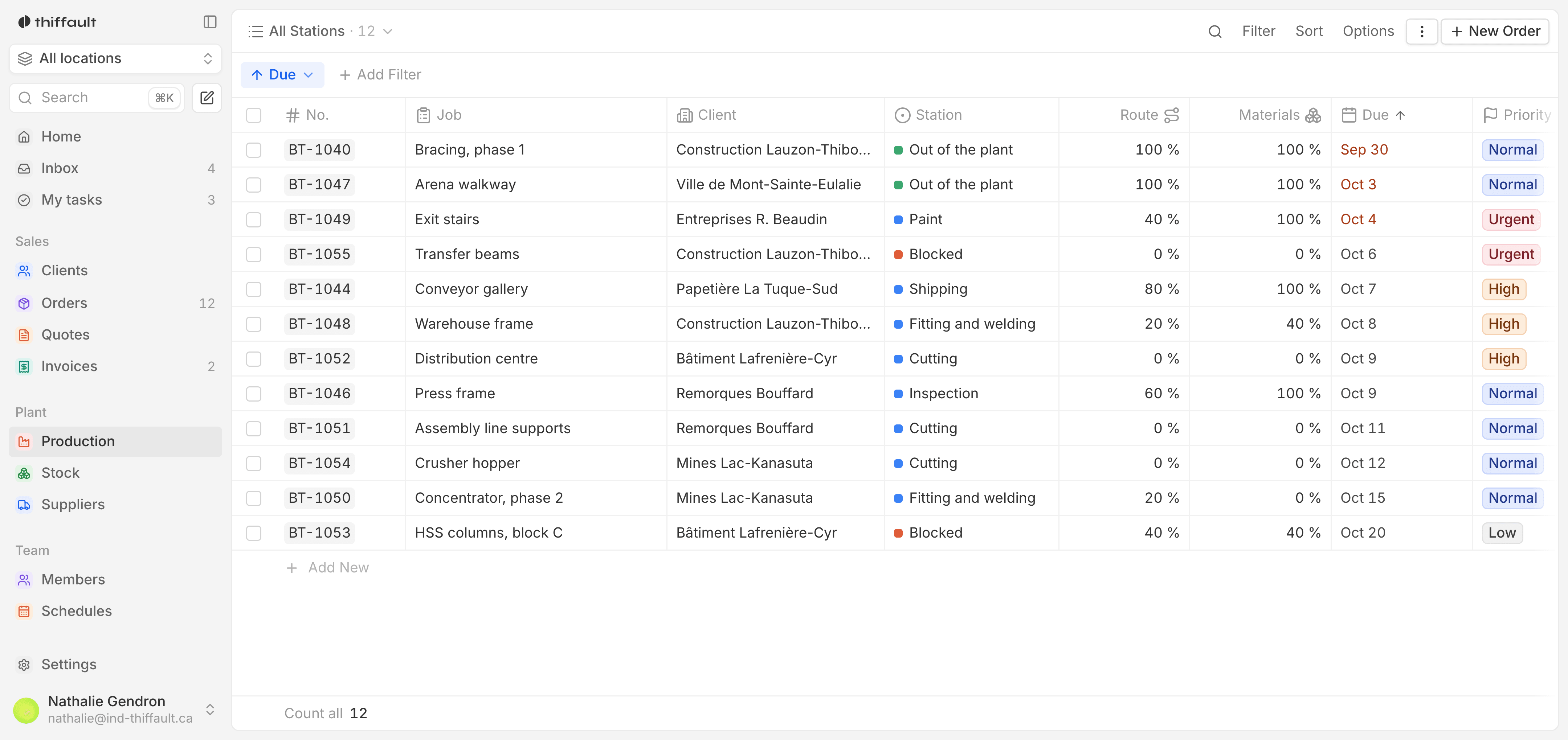
The Friday sales meeting
A custom furniture maker holds its sales meeting on Friday mornings.
Before
Each salesperson showed up with a list on paper, and management added up the amounts on the whiteboard to see what was coming. Quotes that had gone out sat without follow-up because nobody saw them go by.
With the tool
The meeting happens in front of the pipeline: every order, its stage, its amount and its owner. Open quotes sort by date of last contact, and everyone leaves with a list of clients to call back.
Who uses it, day to day
Management
The amount at stake at each stage, and where the orders that close come from. You see what is coming without walking around the office.
Sales
Their orders, their clients and the last exchange with each one, on the phone as at the office. They know who to call back.
Operations
A confirmed order arrives with its details and its owner. No more chasing the salesperson to find out what was promised.
Frequently asked questions
Is this the same thing as a CRM?
Largely, yes. The pipeline tracks orders and is built on client records with status, revenue and an activity log. The difference: the stages and fields are yours, and you pay for it once, with no per-employee subscription.
Our sales stages are unusual. Can the tool follow them?
Yes. We define your stages with you at the mockup stage, using the words your teams already use. If the way you sell changes later, the stages can be adjusted.
Our salespeople are often on the road. Can they use it?
Yes. The tool works on phone and tablet as well as on a computer. A salesperson can log a call or move an order forward between two appointments.