Dashboards
Your numbers, live. Sales, margins and alerts, on the phone as at the office.

Net sales, by month
Sep 2025 to Jun 2026
- June
- $276,050
- Best month
- $387,600
- Total
- $2.26M
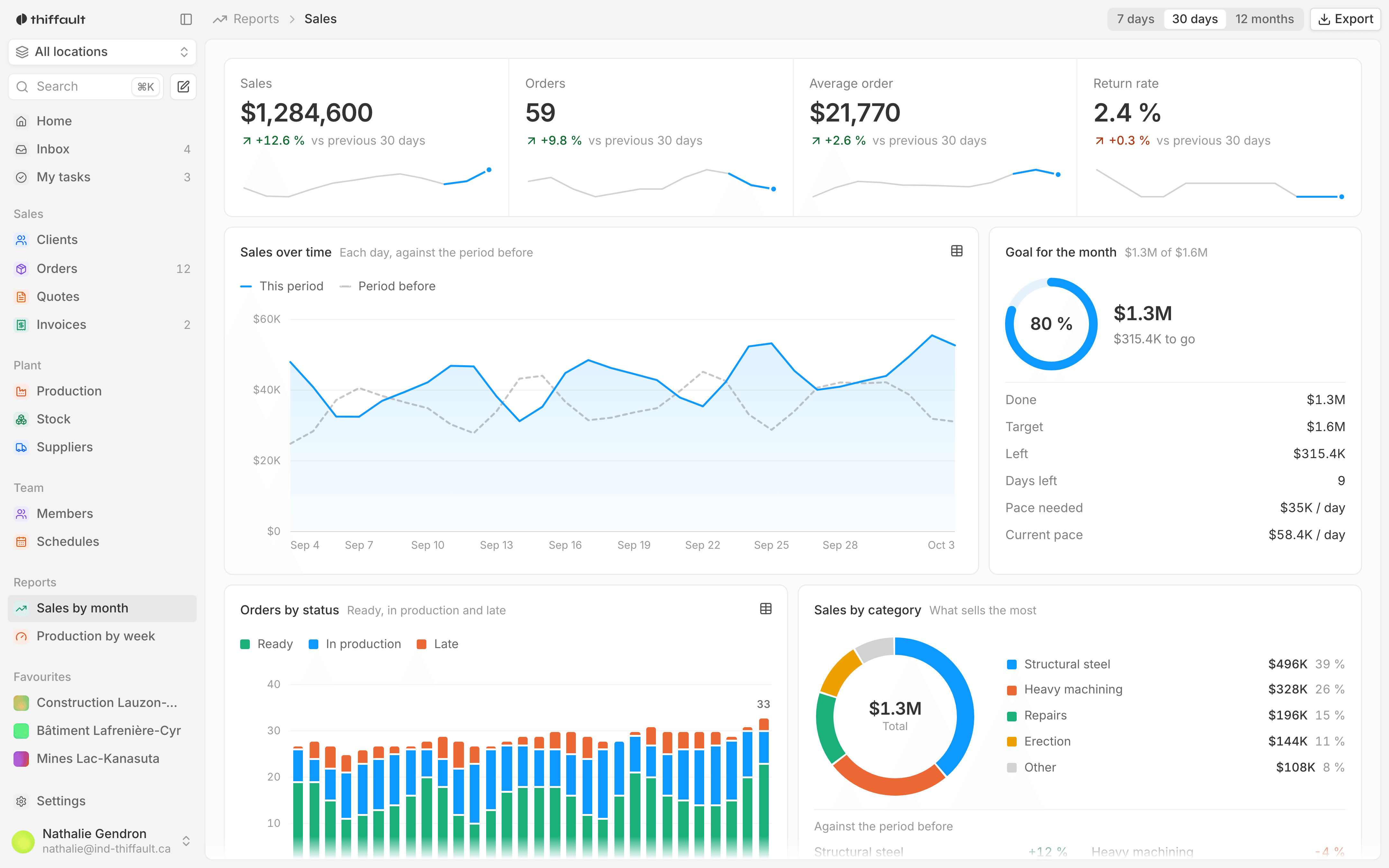
A dashboard puts the numbers you now dig out of several files on a single screen: billed sales, orders, clients served. It reads the data the rest of the tool records, so the numbers are current as soon as an order or an invoice is entered. You check it at the office or on your phone.
Numbers that always arrive late
In most small businesses, the month's numbers come out of a spreadsheet someone fills in by hand, from invoices, the accounting software and purchase orders. By the time everything is copied over, the month is already over. And when two versions of the file are going around, nobody knows which one is right.
- This month's sales known only next month
- The same numbers copied into a spreadsheet every week
- Two versions of the report, with two different totals
- No way to check the numbers away from the office
With Studio Plavon
- Billed and cancelled sales, by month
- Margins and net revenue
- Alerts when something slips
- On the phone as at the office

What the tool does
- 01
The month at a glance
Billed revenue for the month, compared with the previous month, along with the number of orders, the average order and clients served. A chart shows revenue month by month.
- 02
Billed and cancelled sales
For each month, what was billed and what was cancelled, side by side. The net and the average net per month are worked out for you.
- 03
An operations view
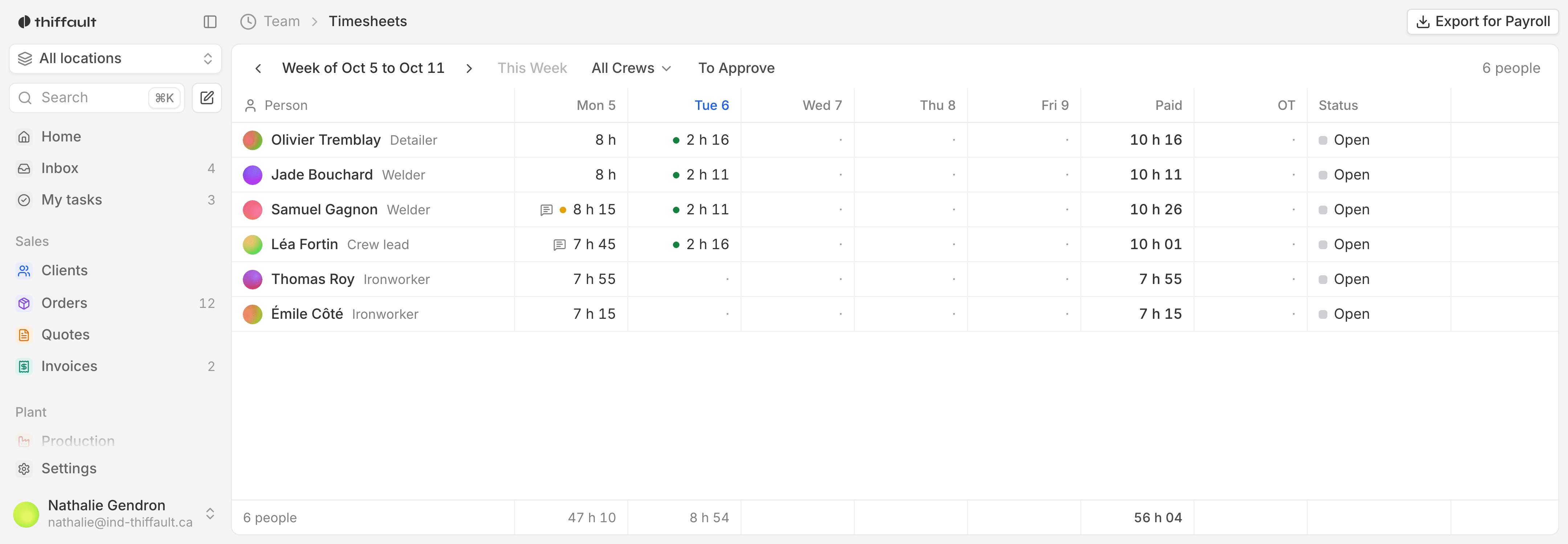
A screen for operations, built from the orders and stock your teams already enter. The indicators on it are chosen with you, during the mockups.
- 04
No double entry
The dashboard reads the same data as the rest of the tool: orders, invoices, stock. Nobody has to copy anything into a spreadsheet to keep the numbers current.
- 05
Phone, tablet or computer
It is a web app that works on a computer, a tablet and a phone. The same numbers follow you, whether you are at your desk or on the road.
- 06
Alerts when something slips
Alerts can let you know when a number moves away from what you expect. We decide with you what deserves an alert, and who gets it.
The Monday meeting, without a spreadsheet
Take a distributor that prepares a sales report every Monday for the management meeting.
Before
One person exported the invoices and pasted them into a spreadsheet before the meeting.
With the tool
With a dashboard connected to orders and invoices, the numbers are already on screen when the meeting starts. Management compares the current month with the previous one and sees cancellations month by month. The person who used to put the report together now works on something else.
Who uses it, day to day
Owner or manager
This month's sales, compared with last month, without waiting for someone to send you a report. You keep an eye on the business from your phone, wherever you are.
Accounting
Billed, cancelled and net by month, calculated from the invoices you already issue. Less time spent reconciling one file against another.
Operations manager
A view of orders and stock, kept current by the team's own work. You see where things are stuck without walking around the building.
Frequently asked questions
Where do the dashboard's numbers come from?
From the data the rest of the tool records: orders, invoices, stock. If you work in spreadsheets today, we bring over your existing data and connect it to the tool during the build.
Can we choose which indicators are shown?
Yes. We go over the numbers you already track with you, then draw them in clickable mockups before writing any code. You can see example screens on our Demo page, and ask for a live one.
How much does a dashboard cost?
Like the rest of the tool, it is paid for once, at a fixed price, with no per-employee subscription. A first call is for getting to know each other; on the second, we present a one-page quote: what we deliver, the timeline and the price.